
From the table to the kitchen in seconds
Set up in minutes
Your menu is ready before you are
A ready-made menu
Pick your kind of place. Khawao suggests the dishes it usually sells, with Bangla names and prices. Untick what you don't sell.
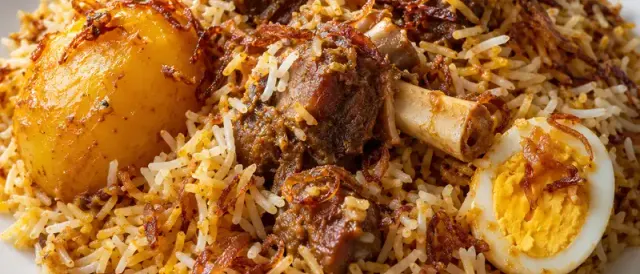
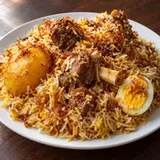
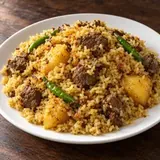
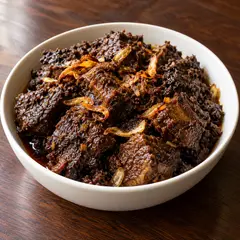
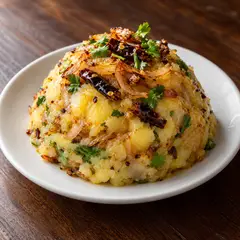
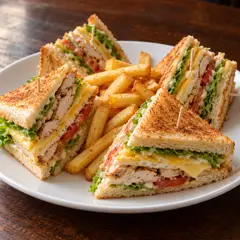
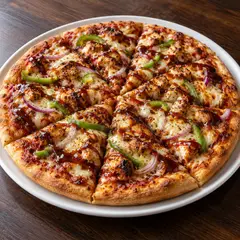
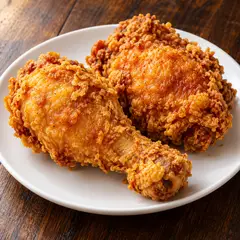
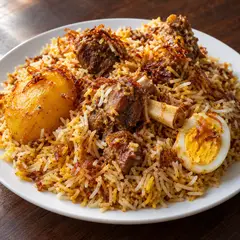
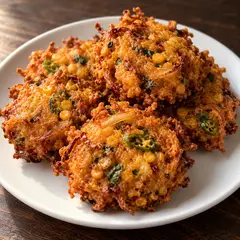
Photos for 370+ dishes
Khawao has a photo for 370+ dishes and matches them to yours by name. Add your own any time.
Scan your printed menu
Photograph the menu you have. Khawao reads the dishes and prices; you check them before going live.
See a menu like yours
Every new restaurant starts with a ready menu for its kind of place: photos, Bangla names and usual prices. Open one the way your guests would.













Payments
Guests pay from their phone. The money goes straight to you.
Connect your own bKash or SSLCommerz account and guests pay the moment they order, or whenever they're ready. Khawao never holds your money.
bKash, Nagad or card in one tap
The guest picks how to pay, enters their PIN, and comes straight back to the menu. The board shows the order as paid by itself.
Pay first, then cook
Counters and takeaway can take payment before the order reaches the kitchen. Nobody pays for a prank order.
Bangla QR with the exact amount
Show the bill's QR on the waiter's phone, the counter or the printed bill. Any bKash, Nagad, Rocket or bank app can scan it.
Split by guest
Friends at one table each pay their own share, and the bill shows who has paid. Tips and refunds are recorded too.
For your guests
A menu guests enjoy reading, in their language
Bangla and English
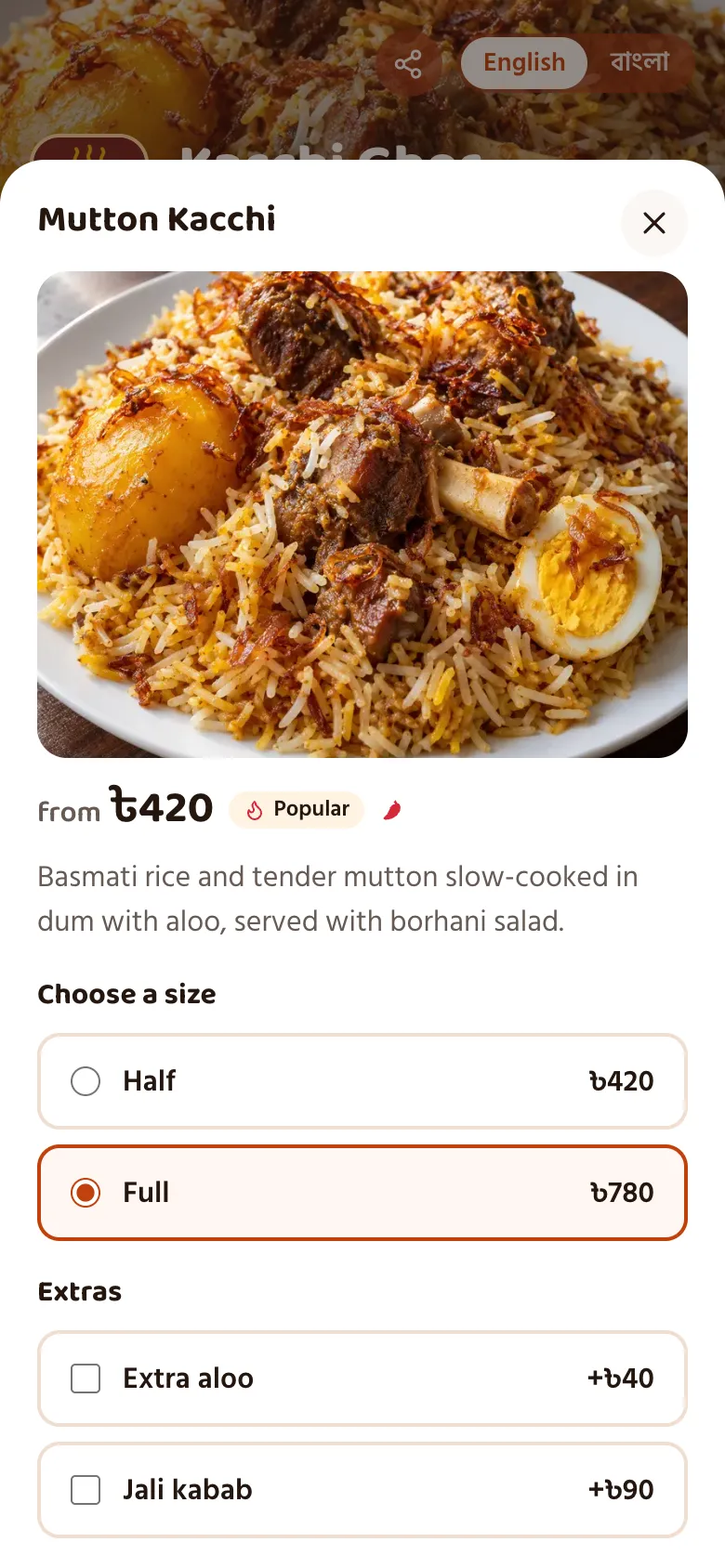
Guests switch with one tap. Type a dish in English and its Bangla name and description are translated for you.
Photos, sizes and choices
Half or full, a drink with the set meal, extras, spice level and notes like "less spicy" all reach the kitchen as written.
Shared tables, separate guests
Friends order from their own phones. Each guest gets a letter, so everyone knows whose dish is whose, and shared tables can have a code for every seat.
Takeaway and parcel
A counter code for takeaway orders, and a parcel option with packing charges for dishes taken home.
For the counter and kitchen
Your staff see every table at a glance
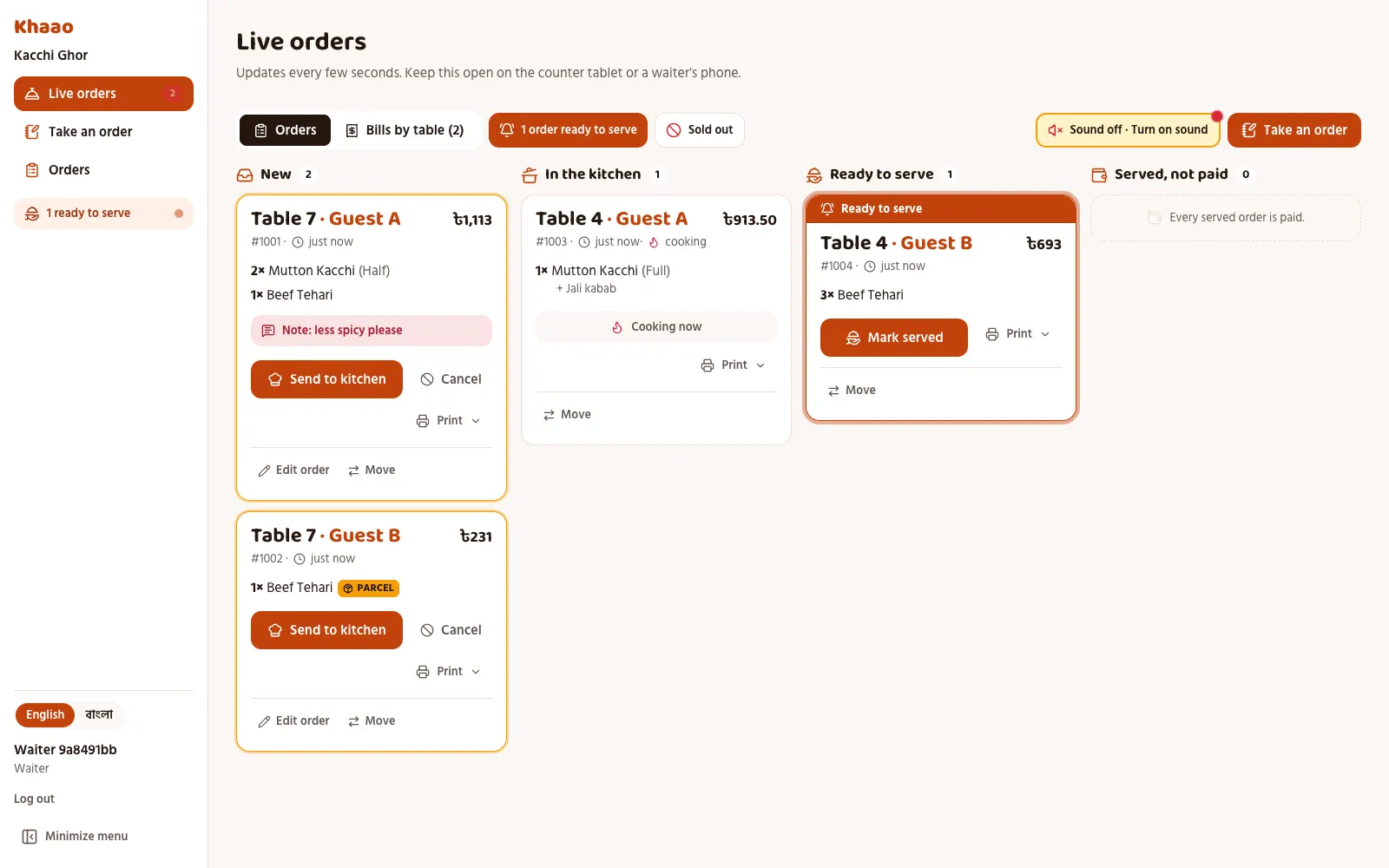
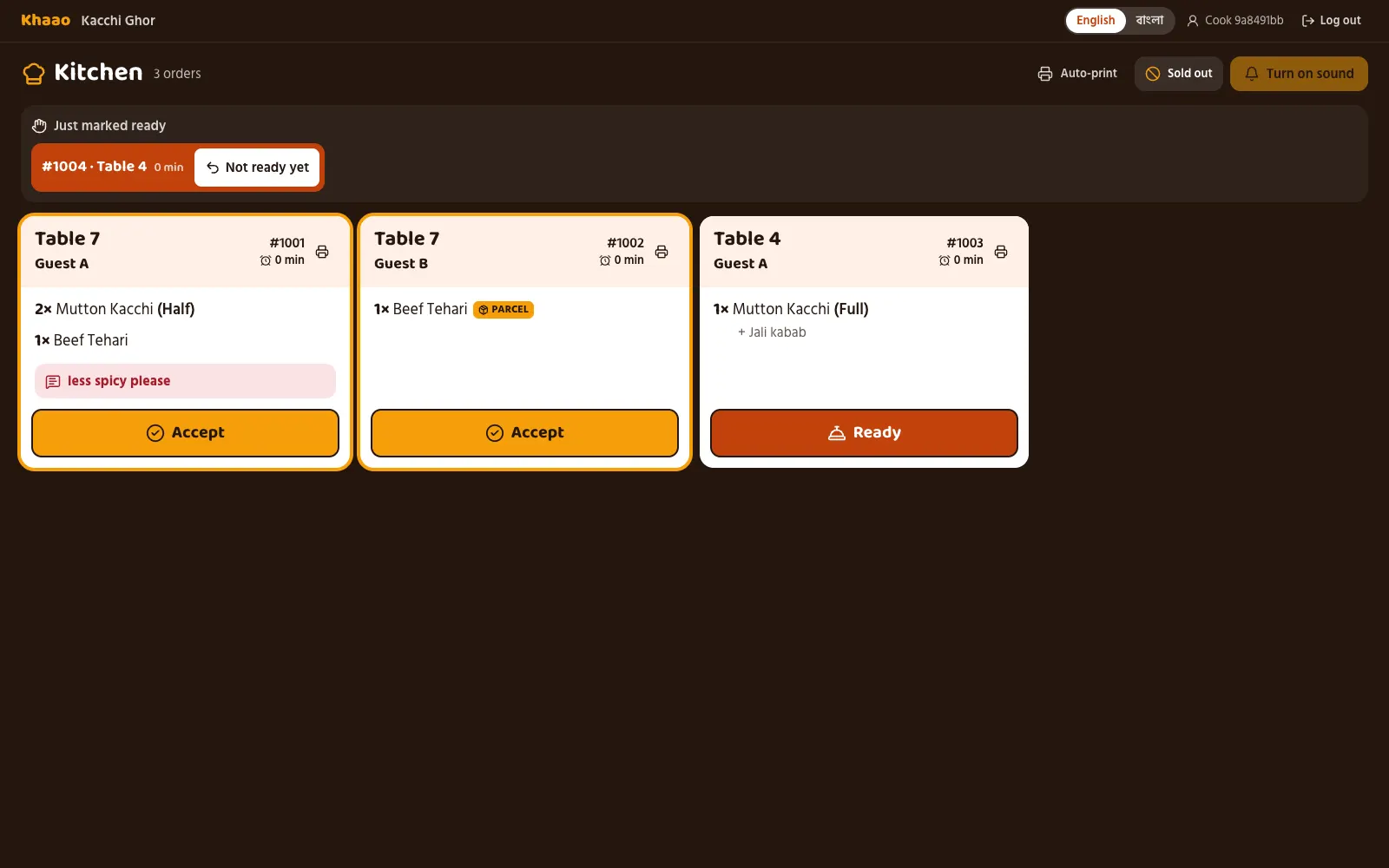
Floor view
A map of your tables: which are free, which are eating and for how long, who asked for the bill. Tap a table to see its orders.
Take an order
Waiters order for guests from their own phone, with the dish photos, and free a table when guests leave.
Sound alerts
New orders chime on the counter tablet, so nobody has to keep watching the screen.
Calls and bill requests
Guests tap to call a waiter, ask for water or ask for the bill. Staff see which table straight away.
Bills by table
However many phones ordered, the table gets one bill with VAT and service charge worked out.
Fake-order protection
Take orders only while staff are watching, and block a phone that sent a fake order for a day.
Ready alerts
When the kitchen marks a dish ready, the waiters hear it, so food never waits at the pass.
Bills and kitchen tickets
Print on any 80mm or 58mm receipt printer, with your BIN, VAT and the Bangla QR to pay.
Change an order
Add or remove a dish after it's ordered, or move guests to another table. The kitchen sees what changed.
Discounts and refunds
Give a regular 10% off, take a dish off the bill or refund a payment, always with a reason on record.
Table cards
Table cards that look like they belong in your restaurant
Every table and seat gets its own code, with your logo, in orange, midnight gold or plain paper. Print them on A4 at any shop. Print your full menu the same way.
Scan this card with your phone to open the sample menu.
Table · টেবিল ৭
7
- 1. Scanস্ক্যান
- 2. Orderঅর্ডার
- 3. Enjoyউপভোগ
khawao.com.bd/r/kacchi-ghor
Khawao
Table · টেবিল ১২
12
BSeat B · সিট B
- 1. Scanস্ক্যান
- 2. Orderঅর্ডার
- 3. Enjoyউপভোগ
khawao.com.bd/r/kacchi-ghor
Khawao
For bakeries, counters and chains
From one counter to a hundred branches
Pre-orders with a pickup time
Guests order today for this evening or tomorrow and pick a time. The kitchen sees it when it's time to start.
A message on the cake
Cakes can ask for the name or wish to write on top, and it prints on the kitchen ticket.
Every branch, one login
Head office switches between branches and sees each one's sales and open orders right now.
One menu for every branch
Change the menu once and copy it to the other branches. Each branch still marks its own dishes sold out.
Reports across branches
Compare branches by sales, orders and payments, and download it all for your accounts team.
Your own menu address
Every restaurant gets its own link, like kacchi-ghor.khawao.com.bd, to share on Facebook and Google.
For the owner
Run the menu from your phone, and know what sold
Bulk menu tools
Import your whole menu from a spreadsheet, change many dishes at once, and mark a dish sold out in one tap.
Offers and happy hours
A percent off one dish, a category or the whole menu, only at the times you choose.
Breakfast, lunch and iftar menus
Show a category only at certain hours, on certain days, or during Ramadan.
Daily limits
Only 30 plates of kacchi today? Set it, and the menu stops taking orders at 30.
Reports
Sales against last week, busy hours, best sellers, each waiter's orders and how every bill was paid.
VAT ready
VAT and service charge totals for any dates, ready for your tax filing, with your BIN on every bill.
Stock and recipes
Set what goes into each dish. Stock goes down as you sell, and you're warned before something runs out.
Customers and loyalty
See your regulars, what they order and how often, and reward them with stamps or points.
Feedback and reviews
Guests rate their meal. Low ratings reach you at once, and every guest is invited to review you on Google.
Opening hours
Guests see when you're open, and the menu stops taking orders when you close.
Connect your POS
API keys and webhooks send every order and payment to your POS or accounting software.
CSV for your accountant
Download orders, sales and payments as a spreadsheet whenever you need them.
Simple monthly pricing
Every feature on every plan. Set up your restaurant yourself and the first 14 days are free.
Starter
৳1,500/month
- ✓ Up to 10 tables
- ✓ Up to 5 staff logins
- ✓ Every feature included
- ৳5,000 one-time if our team sets it up for you
Standard
৳2,500/month
- ✓ Up to 30 tables
- ✓ Up to 15 staff logins
- ✓ Every feature included
- ৳5,000 one-time if our team sets it up for you
Premium
৳4,000/month
- ✓ Unlimited tables
- ✓ Unlimited staff logins
- ✓ Every feature included
- ৳5,000 one-time if our team sets it up for you
What does other restaurant software cost in Bangladesh? See the dated comparison
Questions owners ask
Do guests need to download an app?
No. They scan the code on the table and the menu opens in their phone's browser. It is light enough to open on slow mobile data.
Can my menu be in Bangla?
Yes. Type each dish in English and Khawao fills in the Bangla for you to check. Guests switch language with one tap, and waiters and the kitchen can use Khawao in Bangla.
Do I need photos of my dishes?
No. Khawao has photos for more than 370 common dishes and drinks, and uses them for your dishes until you add your own. Your own photo always replaces Khawao's.
Who types in my menu?
You don't have to. Start from Khawao's ready menu for your kind of place, or scan your printed menu with your phone. You check every dish and price before guests see it.
Can I try ordering before I sign up?
Yes. Open a sample menu and order anything: nothing is charged, and the demo kitchen accepts, cooks and serves it in about a minute and a half, on your phone.
What do I need to start?
Your menu, a phone or tablet at the counter, and a printer for the table cards. A screen in the kitchen helps, but a phone works too.
How do guests pay?
From their phone with bKash, Nagad, Rocket or a card through your own payment account, by scanning the Bangla QR on the bill, or with cash as they do now. Every payment shows on the bill and in your reports.
Does Khawao hold our money?
No. Online payments go to your own bKash or SSLCommerz account and Bangla QR payments to your own bank or wallet. Khawao only shows the bill and records what was paid.
Can we print bills and kitchen tickets?
Yes, on any 80mm or 58mm receipt printer from the counter tablet or computer. Bills show your BIN, VAT and a Bangla QR for the amount due.
We have several branches. Does Khawao work for us?
Yes. Each branch has its own menu, tables and staff, and head office logs in once to see every branch, copy the menu and compare sales.
What stops someone ordering from home?
Each table has its own code. You can take orders only while a staff screen is open or after a waiter opens the table, a phone stops ordering once its table is cleared, and staff can block a phone that sent a fake order.
Can I change prices myself?
Yes, any time, from your phone. Changes show on every table straight away, so there is nothing to reprint.
See Khawao in your restaurant
Leave your number and we'll call you to set up a free demo, in Bangla or English.